14 min read
A Korea eSIM is the easiest of the 3 ways to get online in Korea, as long as your phone is unlocked and eSIM-ready. Get a prepaid SIM card instead if you want a Korean phone number for calls and texts, and choose a pocket Wi-Fi only if you’re a group sharing one connection or carrying devices that can’t take a SIM. Below you’ll find how each one works, what to pick up at Incheon Airport, the passport rules, and which option fits which trip.
Key takeaways
- An eSIM installs from a QR code before you fly and connects the moment you land, so you skip the airport counter queue entirely.
- Any tourist line with a Korean 010 phone number gets registered to your passport, so keep it in your hand at the counter or during online signup.
- Most travel plans are data-only: KakaoTalk and WhatsApp calls work, but nobody can call or text you on a Korean number.
- A pocket Wi-Fi (Koreans call it an “egg”, 에그) covers several people at once, but someone has to charge it, carry it and return it.
Korea eSIM vs SIM card vs pocket Wi-Fi: the short answer
Daily life in Korea runs on your phone. You’ll use Naver Map or Kakao Map to find your way (Google Maps gives limited walking and driving directions in Korea), Kakao T to call a taxi, and KakaoTalk, the messaging app nearly every Korean uses, to message guesthouses and tour guides. Without mobile data you’re stuck within a few hours.
You have four realistic options. Three are local (eSIM, physical SIM, pocket Wi-Fi), and the fourth is your home carrier’s roaming plan. Here they are side by side.
| Option | How you get it | Korean phone number? | Best for | Watch out for |
|---|---|---|---|---|
| eSIM | Buy online, scan a QR code, activate on arrival | Usually no (data-only); some plans add one | Solo travelers and couples with recent, unlocked phones | Phone must support eSIM and be carrier-unlocked |
| Prepaid SIM card | Pick up at an airport counter or a carrier shop, or have it shipped | Available on many plans, registered to your passport | Longer stays, anyone who needs calls and SMS in Korea | Replaces your home SIM unless your phone has dual SIM |
| Pocket Wi-Fi (egg) | Rent online, collect and return at the airport | No | Families and groups, laptops and tablets | Battery life, staying close to the device, return deadline |
| Home carrier roaming | Switch on a travel pass from your carrier at home | Keeps your own number | Short business trips, people who must stay reachable | Usually the costliest way to get data; check your carrier |
Prices and data allowances change constantly and differ by provider, so compare current plans on the official sites of Korea’s three big carriers (SK Telecom, KT and LG U+) and the resellers that sell their networks. All of them run on the same national 5G and LTE networks, which cover cities, highways and the subway underground well.
How a Korea eSIM works, step by step
An eSIM is a SIM card built into your phone as a chip. You download a mobile plan onto it instead of inserting plastic. Most recent iPhones, Google Pixels and Samsung Galaxy flagships support it, and many phones can hold an eSIM alongside your normal SIM, so your home number stays live while Korean data does the heavy lifting.
- Check your phone supports eSIM and isn’t locked to your home carrier (see below).
- Buy a Korea eSIM plan online from a Korean carrier, a reseller or a global eSIM app. Choose the number of days and the data allowance.
- Install it before you leave, on hotel or home Wi-Fi. You scan a QR code or tap an install link, and the plan appears in your phone’s mobile settings.
- Leave it switched off until you land, if the provider says the validity starts on first connection.
- On arrival, set the Korea eSIM as your mobile data line, turn on data roaming for that line if the instructions say so, and keep your home SIM for calls and SMS only (or turn its data off to avoid roaming charges).
The big win is timing. You walk off the plane already connected, which matters when you need to book a Kakao T taxi at midnight or show a hotel address to a driver.
Is your phone eSIM compatible and unlocked?
Two separate things have to be true. The phone must have eSIM hardware, and it must accept other carriers’ plans. Phones bought on a contract are often locked to that carrier until it’s paid off, and a locked phone will refuse a Korean plan no matter how good the plan is.
Data-only or a Korea eSIM with a phone number?
Most tourist eSIMs are data-only. That covers maps, translation apps, Instagram and voice calls over KakaoTalk, WhatsApp or FaceTime. What you don’t get is a Korean 010 number that someone can call or text. A smaller number of plans, mostly sold by the Korean carriers themselves, bundle a local number. Those usually ask for your passport details during signup because Korea registers mobile numbers to a real name.
How a Korean prepaid SIM card works
The physical SIM is the old-school route, and it’s still the right one for some travelers. You buy a tourist prepaid SIM, pop out your home SIM with the ejector pin, insert the Korean one, and you’re on a Korean network. Many plans come with a Korean number for calls and texts, some are data-only like an eSIM.
You can pick one up at an airport carrier counter, buy it at a carrier shop in the city, or order it online for collection or delivery to your accommodation. Convenience stores also stock some tourist SIMs, though the selection and the help you get there vary a lot.
What the passport registration is for
Korea runs a real-name system for mobile lines. A plan with a Korean phone number has to be linked to an identity, and for visitors that identity is your passport. Staff will scan it at the counter, or an online form will ask for the passport number and a photo. Bring the physical passport to pickup even if you registered online: counters generally check it against your booking.
Will you lose your home number?
On a single-SIM phone, yes, for as long as the Korean card is in. Bank texts and two-factor codes sent to your home number won’t arrive. If your phone has a physical slot plus eSIM, you can move your home line to eSIM (ask your carrier first) and use the Korean SIM in the slot, or simply buy a Korea eSIM instead and keep the home card where it is. Tape your home SIM to a card or keep it in a labelled bag, because a lost home SIM is a painful thing to replace from abroad.
How pocket Wi-Fi works in Korea (the “egg”)
A pocket Wi-Fi is a small battery-powered router that connects to a Korean mobile network and broadcasts a private Wi-Fi signal. Koreans call it an “egg” (에그), after the shape of early models. Your phone, laptop and tablet all join it like home Wi-Fi, and your SIM never changes.
It shines in three situations. A family of four can share one device instead of buying four plans. A traveler working on a laptop gets a hotspot without tethering limits on a phone plan. And anyone whose phone is locked or lacks eSIM gets online without touching the phone at all.
Battery, range and the return trip
The trade-offs are physical. The egg needs charging every night, and a long day of maps, photos and video uploads can drain it before dinner, so carry a power bank. Everyone sharing it has to stay within Wi-Fi range of whoever holds it, which gets annoying the moment one person goes shopping in Myeongdong and the other heads to a café. And you have to return it, usually at an airport counter on departure. Read the rental terms for late-return and lost-device fees before you sign, and check whether the provider offers return by post if you’re leaving from a different airport.
Korea uses 220V power with two-pin round plugs (Types C and F), so bring an adapter for the charger if your country uses a different plug.
Picking up your SIM or pocket Wi-Fi at Incheon Airport
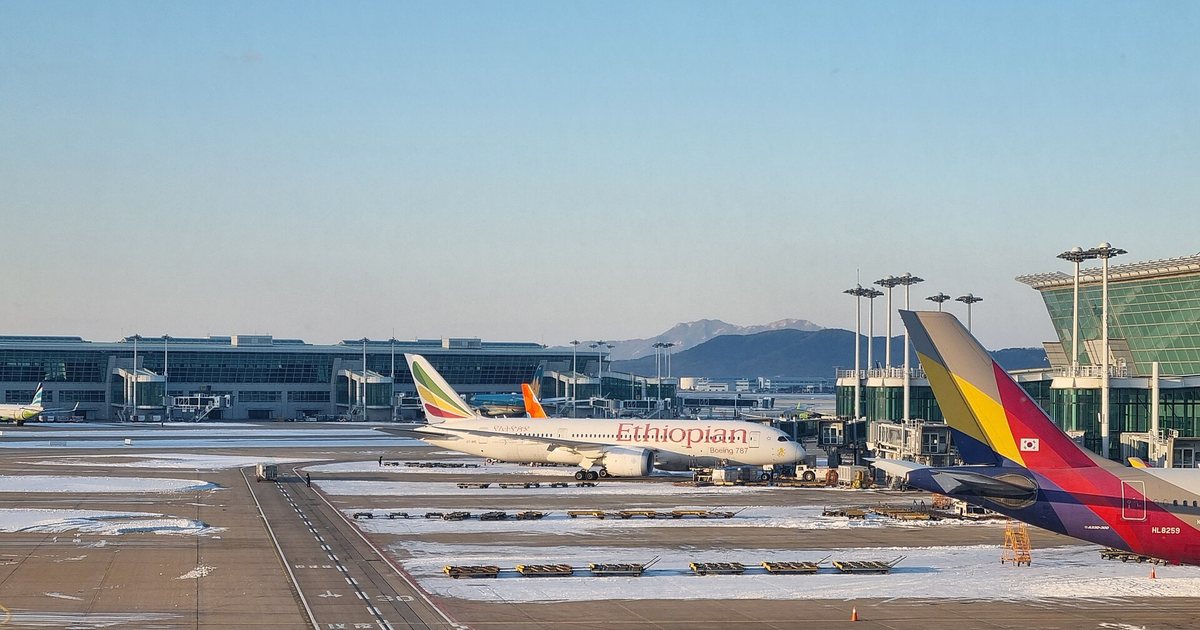
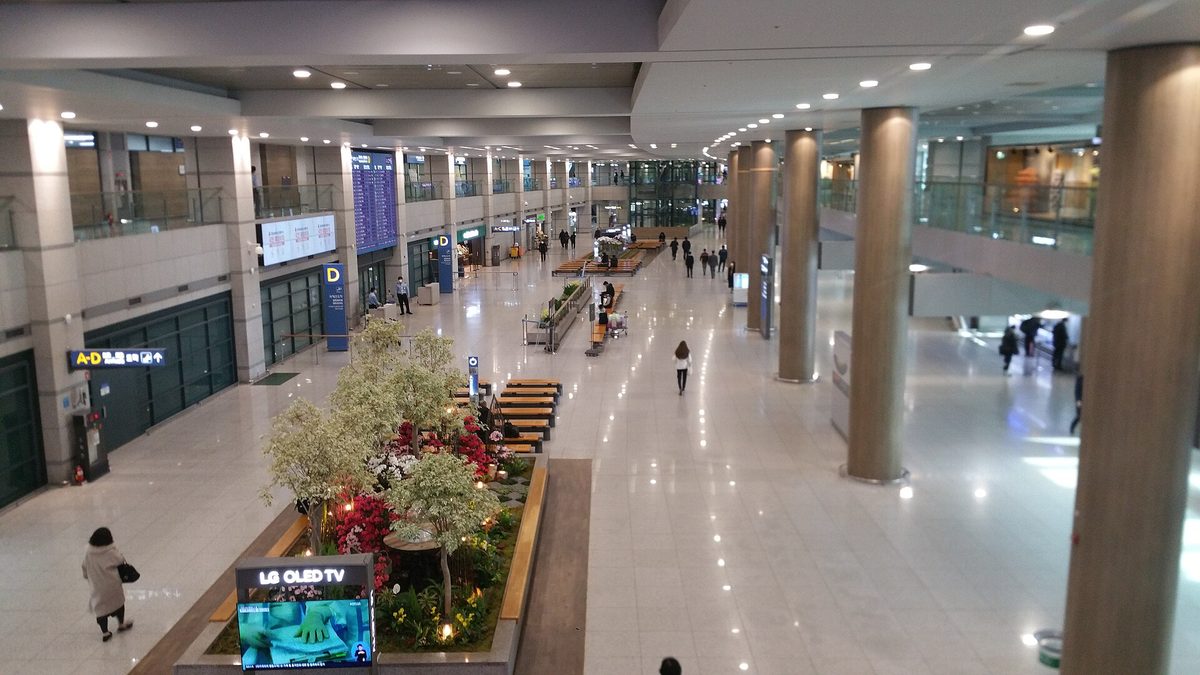
Incheon International Airport (인천국제공항), Seoul’s main international gateway, has rental and carrier counters in the arrivals halls of both Terminal 1 and Terminal 2. This is where most travelers collect a physical SIM or an egg booked online.
- Area
- Yeongjong Island, Incheon, west of Seoul
- Nearest station
- Incheon International Airport Terminal 1 or Terminal 2 station on the AREX airport railroad
- Time needed
- Allow 15 to 30 minutes for a counter pickup, longer when several long-haul flights land together
- Before you go
- check which terminal your airline uses, the counter location in your booking confirmation, and counter opening hours on the provider’s official page
- Clear immigration and customs, then look for the carrier and rental counters in the arrivals hall.
- Go to the counter named in your booking (the terminal matters: a Terminal 1 booking won’t help you at Terminal 2).
- Show your booking confirmation and your passport.
- For a SIM, ask staff to insert it and confirm data works before you walk away. For an egg, check the battery, the charger and the cable are all in the pouch.
- Note the return counter and return deadline for any rental.
Arriving late at night?
Counters don’t all keep the same hours, and a flight that lands after midnight can leave you facing closed shutters. If you land late, an eSIM installed at home removes the risk completely. Otherwise, check the counter’s hours on the provider’s site before you book, and save your hotel address offline in case you’re without data until morning.
Landing at Gimpo, Busan or Jeju?
Smaller airports such as Gimpo in Seoul, Gimhae in Busan and Jeju International have counters too, but fewer providers serve them. If you’re flying straight into Busan or Jeju, confirm pickup is offered at that airport before paying, or go with an eSIM. Our Jeju Island travel guide covers getting around the island once you’re connected.
Do you need a Korean phone number in Korea?
For a typical one- or two-week trip, usually not. Data does almost everything. A Korean number starts to matter in a few specific places, and it helps to know them before you choose.
What a data-only plan can and can’t do
With data only, you can use maps, translation, ride-hailing, messaging and internet calls. You can’t receive a normal phone call or SMS on a Korean number. That hurts in small ways: a guesthouse host who wants to phone you, a restaurant waitlist kiosk that asks for a 010 number to text you when your table is ready, or a delivery app that wants a local number. If those matter to your trip, a SIM or eSIM with a Korean number fixes it.
Identity verification (본인인증) and why tourist lines often fail it
Many Korean websites and apps run a check called bonin injeung (본인인증, “identity verification”), which matches your phone line to your registered name and Korean identity details. It’s used for signing up to shopping sites, some ticketing platforms and banking. Tourist lines, even ones with a 010 number, often can’t pass it, because the system expects a Korean resident registration or a foreigner registration card. Don’t buy a SIM with a number just to clear these checks: it frequently won’t work, and you’ll need to use the international version of the site or buy through a travel agency instead.
KakaoTalk and Naver accounts are a different story, and you can usually set them up with your home number before you leave. Our guide to Naver vs Kakao and which apps to get walks through what to install.
Emergency calls
Korea’s emergency numbers are 112 for police and 119 for fire and ambulance, and the Korea Tourism Organization runs the 1330 Korea Travel Hotline for visitors who need help or interpretation. A data-only plan gives you no regular voice line. If you’d want to dial these from a normal phone dialer without thinking twice, keep your home SIM active with roaming for calls, or pick a plan that includes a Korean number.
This photo was taken with Samsung Galaxy Not, CC BY-SA 4.0
Which Korea eSIM or SIM option suits your trip
Match the option to your phone and your group first, then your trip length. Here’s how that plays out for common traveler types.
| Traveler | Best pick | Why |
|---|---|---|
| Solo, recent unlocked phone, one to three weeks | Data-only eSIM | No pickup, keeps your home number for bank codes |
| Couple, both with eSIM phones | Two eSIMs | Each person stays online when you split up for a few hours |
| Family or group of four or more | One or two pocket Wi-Fi eggs | One device covers several phones and tablets |
| Older or locked phone | Pocket Wi-Fi or physical SIM (once unlocked) | Works without eSIM hardware |
| Long stay, language course, working holiday start | Prepaid SIM with a Korean number | Calls and texts with landlords, schools, delivery |
| Short business trip | Home roaming plus an eSIM for data | Colleagues reach your usual number, data stays affordable |
Worked example: a couple doing Seoul and Busan in seven days
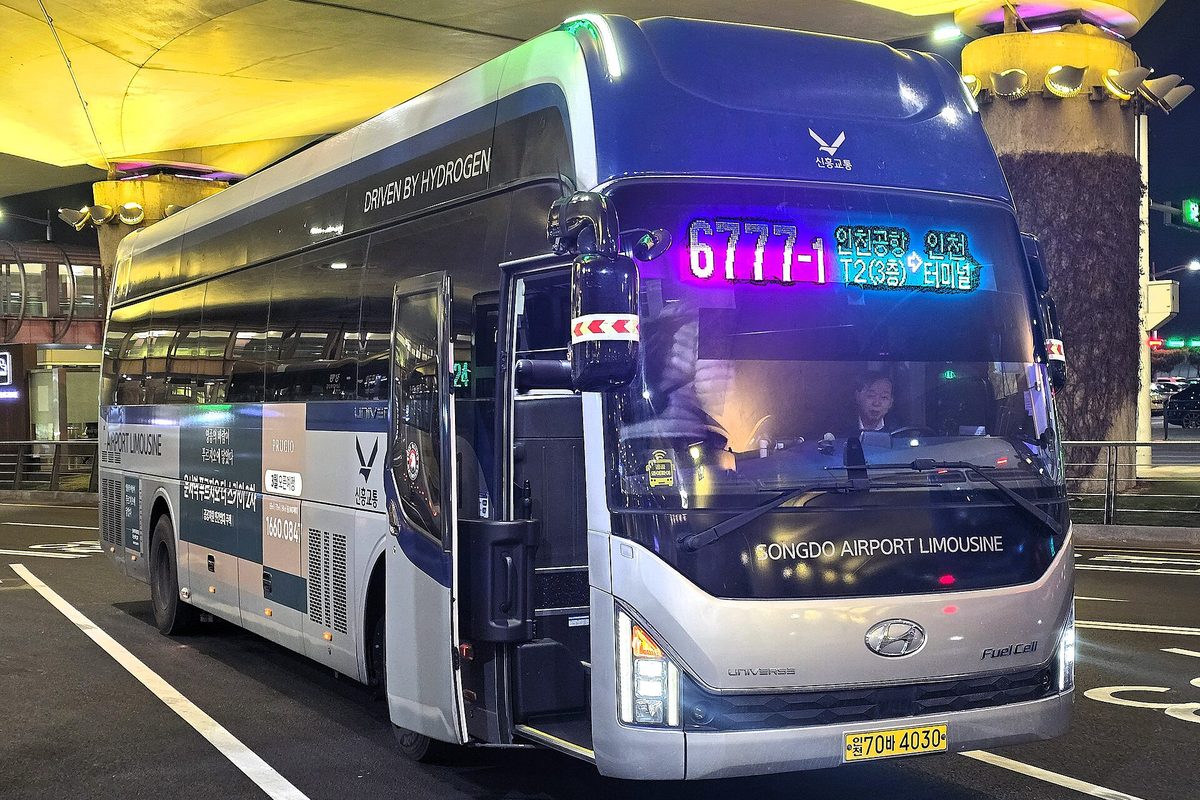
Two people, both on unlocked iPhones, landing at Incheon in the evening and taking the KTX high-speed train to Busan midweek. The best setup is two data-only Korea eSIMs installed at home the night before departure. They land, switch data to the eSIM, and book an airport limousine bus or AREX ticket on the spot.
In Seoul they can split up (one to a K-beauty shop, the other to a palace) without worrying about Wi-Fi range. On the KTX the networks keep working through most of the route. Their home SIMs stay in the phones with data off, so bank verification texts still arrive.
Swap in two children with tablets and the answer changes: one egg for the family, plus one eSIM on a parent’s phone so the person away from the egg still has maps. That hybrid covers almost every family trip. Our Busan travel guide covers the KTX ride and what to see once you arrive.
Is a Korea eSIM enough for a month or longer?
For data, yes, if you pick a plan that covers the whole stay or top it up. For life admin, often no. Renting a room, signing up for a gym or receiving parcels tends to need a Korean number, so long-stayers usually end up with a prepaid SIM with a number, and residents switch to a regular contract once they have a foreigner registration card.
Common mistakes foreigners make with Korean SIMs and Wi-Fi
- Not checking the carrier lock. A locked phone rejects the plan, and you find out at the counter or, worse, after landing.
- Deleting the eSIM by accident. Removing an eSIM profile usually can’t be undone, and many plans can’t be reinstalled. Switch lines off instead of deleting them until you’re home.
- Leaving home data roaming on. Your phone may quietly use your home line for data and run up charges. Set the Korea line as the only data line.
- Trusting “unlimited” blindly. Many plans slow your speed after a daily allowance. Read the fair-use line on the provider’s page if you upload a lot of video.
- Forgetting the egg return. Rental returns are tied to your departure airport and time. Put the return in your calendar the day you collect it.
- Booking the wrong terminal. Incheon’s two terminals are a shuttle ride apart. Confirm your airline’s terminal before you pick a pickup counter.
- Relying only on free Wi-Fi. Seoul’s public Wi-Fi is widespread, but it drops in taxis, on hiking trails and in the moment you actually need a map.
FAQ
Does a Korea eSIM work on the subway?
Yes. Korean carriers cover subway stations and tunnels in Seoul and Busan, and an eSIM uses the same networks as a physical SIM. Coverage in the countryside and mountains is good on main routes, though it thins on remote trails.
Can I buy a SIM card in Korea without a passport?
Not one that comes with a Korean phone number, because the line has to be registered to your identity. Some data-only products need less paperwork, but counters generally still ask for your passport, so carry it.
Can I use KakaoTalk with a data-only eSIM?
Yes. Once KakaoTalk is set up, messages and voice calls go over data. Sign up before you leave using your home number, so the verification text arrives while your home SIM is easy to reach.
Is pocket Wi-Fi or eSIM better in Korea?
An eSIM is better for one or two people with compatible phones, because there’s nothing to carry or return. Pocket Wi-Fi wins for groups and families sharing one connection, and for phones that can’t take an eSIM.
Can I tether my laptop to a Korea eSIM?
Often, but not always. Some travel plans block or limit hotspot use, so check the plan terms on the provider’s site before buying if you need to work from a laptop.
Where do I check current Korea eSIM and SIM prices?
On the official sites of SK Telecom, KT and LG U+ and of the reseller or eSIM app you’re considering. Plans, data caps and promotions change often, so compare on the day you book rather than relying on old blog posts.
What to set up before your flight to Korea
A week out, confirm your phone is unlocked and eSIM-ready, and decide between eSIM, SIM and egg using the table above. Two or three days before, buy the plan, install any eSIM on Wi-Fi at home, and screenshot the QR code and instructions in case you need to reinstall. The night before, download Naver Map or Kakao Map, Kakao T and a translation app, sign in to KakaoTalk, and save your first night’s address in Korean. If you booked a SIM or egg pickup, check the counter’s terminal and hours one more time. Then you land with a working phone and spend your first hour in Korea on the airport train instead of in a queue.
Related reading



Sources k-korea.blog
Prices, opening hours and availability change. Check the official page before you buy or travel.